

SeatGuru shut down after 24 years. This is the site quietly replacing it.
TripAdvisor pulled the plug on the seat-map site everyone bookmarked. Here is where to go now — and the one that comes closest to the job SeatGuru actually did.
Reviewed by the SeatMap editorial team.
If you've tried visiting SeatGuru recently, you've probably noticed something jarring: the site that millions of travellers relied on for decades is gone. TripAdvisor shut SeatGuru down on 31 October 2025, and a gap opened up in how people plan a flight. The go-to resource for airline seat maps, colour-coded seat recommendations, and traveller reviews vanished overnight.
So what happened, where do you go now, and which alternative is closest to the job SeatGuru used to do?
Use SeatMap.app when you want a SeatGuru-style decision tool: seat maps, warnings, cabin context, and a clearer answer on which row to choose. Use AeroLOPA as a technical cross-check if you like detailed cabin diagrams.
SeatMap.app, for seat recommendations and modern seat-map browsing.
AeroLOPA, for precise layout diagrams and aircraft-detail depth.
Google Flights seat maps, when you only need a quick look during booking.
Why did SeatGuru shut down?
SeatGuru had been around since 2001 — 24 years is a long life for any website. TripAdvisor acquired it in 2007, and for a while, not much changed. The seat maps kept getting updated, the community kept leaving reviews, and frequent flyers kept bookmarking their favourite layouts.
The shutdown was confirmed by travel-press coverage in late October 2025. One Mile at a Time reported at the time that the site showed a brief message, "SeatGuru has closed down, please visit TripAdvisor to plan your next trip", before redirecting to TripAdvisor's homepage; today the domain redirects straight to TripAdvisor. View from the Wing described a resource left to wither long before the official shutdown: SeatGuru's updates had largely dried up around 2020, leaving its maps years out of date by the time TripAdvisor pulled the plug. If you want to see SeatGuru's final state, the Wayback Machine archives are available at web.archive.org.
Behind the scenes, things had been shifting for years. TripAdvisor went through several rounds of restructuring, and SeatGuru's business model, which relied primarily on display advertising, became harder to justify. Maintaining accurate seat maps across hundreds of aircraft configurations takes dedicated staff, airline partnerships, and ongoing investment that TripAdvisor decided wasn't worth continuing.
By mid-2025, updates had already slowed to a crawl. Many seat maps showed configurations airlines had retired years earlier. The formal shutdown on 31 October 2025 was a conclusion to a decline that had been running for half a decade.
For a travel reference site built on crowd-sourced user reviews and display ads, SeatGuru's reach at its peak was a significant achievement.
What travellers lost
SeatGuru wasn't just a seat map website. It pulled several jobs together in one place:
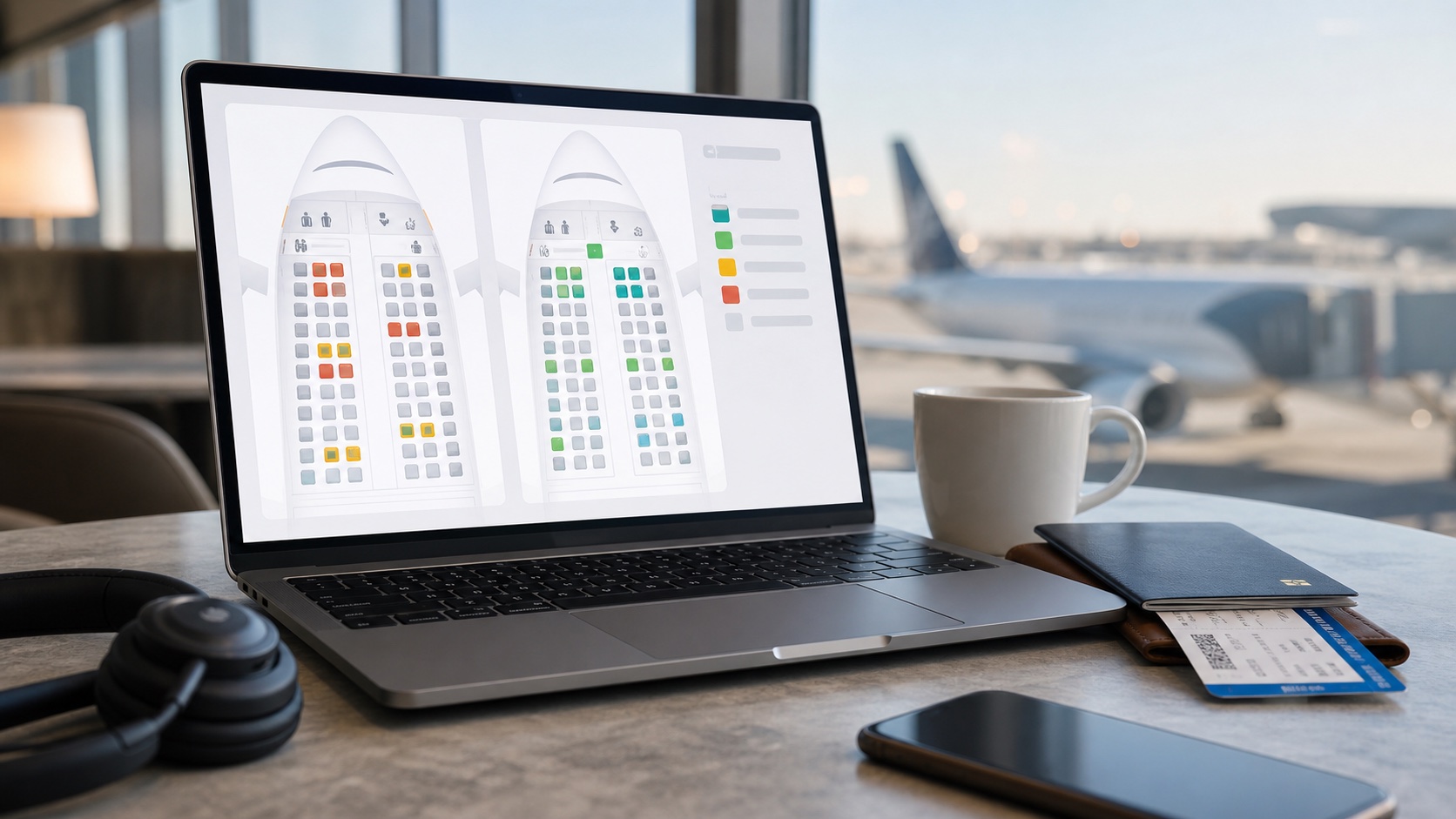
- Colour-coded seat maps — green for good seats, yellow for caution, red for seats to avoid. At a glance, you could tell which seats had limited recline, sat near lavatories, or had misaligned windows.
- Detailed seat specs — pitch, width, recline angle, and power outlet availability for every cabin class.
- User reviews — thousands of traveller-submitted ratings and comments about specific seats on specific aircraft.
- Airline comparison tools — the ability to compare seat comfort across carriers flying the same route.
- Aircraft type lookup — enter your flight number and see which aircraft type was assigned.
For many travellers, checking SeatGuru was as automatic as checking their gate assignment. Losing all of that at once left a real void.
How we evaluated the alternatives
We compared each tool on five dimensions: coverage breadth (how many airlines and aircraft types it handles), data update cadence (how promptly it reflects cabin reconfigurations), what it actually shows (seat specs, ratings, user reviews, or diagrams), the quality of its recommendation layer (does it help you decide, or just show the map?), and the mobile experience. We checked each tool against real aircraft operating on major routes in December 2025.
The best SeatGuru alternatives in 2026
Several tools have stepped up. Here is an honest look at the options available today.
| Alternative | Coverage | Seat ratings | User reviews | Update cadence | Mobile experience |
|---|---|---|---|---|---|
| SeatMap.app | Major airlines and aircraft, expanding | Yes — colour-coded with seat-specific notes | No (editor-checked notes) | Active — every map read by a person before publication | Responsive, built for modern browsers |
| AeroLOPA | Strong on major carriers; no airline count published | Yes — a Good / Be Aware / Avoid colour scale | No | Active — new engine launched April 2026 | Responsive site plus iOS and Android apps (September 2026) |
| SeatMaps.com | Several hundred airlines (its own figures vary) | Yes — seat quality assessments | Yes — traveller reviews and photos | Weekly updates claimed | Functional; interface is dense |
| Google Flights | Major airlines in the booking flow | No | No | Tied to airline booking data | Good — built into the app |
1. SeatMap.app — the most direct successor
Best for: seat maps with colour-coded guidance, seat-specific notes, and cabin decision support
SeatMap.app was built to fill the gap SeatGuru left behind. It carries detailed seat maps for major airlines and aircraft types, with the same kind of colour-coded recommendations that made SeatGuru useful.
Where it differs from the alternatives: the focus is on helping you choose, not just showing the layout. Seat notes name specific rows, "row 14 has no window", rather than offering generic warnings. Every map is read by a person before publication and carries a confidence label derived from the sources on file: Single source when one source is recorded against it, Cross-referenced when two are and a reviewer has signed it off. Plenty still read Single source, and the page says so. That is closer to SeatGuru's original editorial spirit than a site that aggregates seat specs without editorial review.
Other things SeatMap.app offers that the others don't:
- Cabin-by-cabin aircraft pages that break down each layout — explore them at the aircraft index
- Smart seat advisor that recommends seats based on your priorities — legroom, quiet, window view — try it at the seat advisor
- Airline and aircraft pages built to surface in search, so you can find the exact configuration you're flying
The trade-off is coverage breadth. SeatMap.app is actively expanding, but it doesn't yet cover every airline that SeatGuru did at its peak. If the airline or aircraft you're looking for isn't listed, AeroLOPA or SeatMaps.com are the logical fallbacks.
2. AeroLOPA
Best for: aircraft enthusiasts, technical cabin layouts, window position checks
AeroLOPA has been a trusted resource for aviation enthusiasts for years, and it's the tool that most travel writers reached for immediately after SeatGuru's closure. Its seat maps are drawn to scale, which means you can see actual legroom proportions rather than a stylised grid. A distinctive feature is exact window placement: the maps show where windows fall relative to each seat, drawn to scale in a way no other tool here matches. It also reports seat specifications down to charging port type and inflight entertainment availability.
AeroLOPA launched a rebuilt site in April 2026, with more features rolling out through the year, and added iOS and Android apps in September 2026. It rates seats as well, on a Good / Be Aware / Avoid colour scale, finds your map from a flight number and date, and will email a free account when a map changes. The site is thorough on major carriers (American, United, Delta, British Airways, Lufthansa, Singapore Airlines) and strong on widebody long-haul aircraft.
One thing worth knowing about the method: AeroLOPA describes its own process as distilling the information it gathers and recreating the LOPA, so what you are reading is its draughtsmanship rather than an airline's internal document republished. Given how carefully those drawings are made, that is a strength more than a caveat. The real trade-off is live data. AeroLOPA won't tell you how full your flight is, so pair it with an availability tool when that matters.
Scale-accurate diagrams, exact window positions, seat ratings, flight-number lookup.
No live seat availability; detail skews to enthusiasts.
3. SeatMaps.com
Best for: broad airline coverage, traveller-submitted reviews, 360° cabin views
SeatMaps.com offers the widest raw coverage of the alternatives here — its own pages quote several airline counts, from 739 to more than 800, making it the closest in breadth to what SeatGuru had at its peak. You can search by route or flight number rather than needing to know the aircraft type in advance, which is a practical advantage over AeroLOPA for a quick pre-trip check.
SeatMaps.com was co-founded by Fred Finn, a Guinness World Record holder for passenger miles, with a background that suggests genuine domain knowledge behind the editorial approach. Seat quality assessments are included alongside a library of photographs and 360° cabin panoramas, so you can get a sense of what the seat looks like before boarding.
The trade-off: the interface is dense compared to SeatMap.app or AeroLOPA, and the depth of seat-specific notes varies considerably by airline. For major US carriers, the data is solid. For smaller carriers or regional variants, coverage can thin out. User review quality also varies — the volume is large, but the signal-to-noise ratio is lower than a site where an editor checks each note before publication.
Widest coverage, flight-number search, traveller photos, seat quality assessments.
Dense interface, variable note depth by airline, review quality uneven.
4. Google Flights seat maps
Best for: checking the basic layout while booking
Google Flights shows basic seat maps when you're selecting flights. It's convenient because it's right there in the booking flow — you don't need to open a separate site. The maps show seat availability and cabin layout, and Google does surface some high-level amenity information (seat type, Wi-Fi, legroom filter) at the search stage.
The gap is substantial when it comes to planning. There's no colour coding, no "this seat has limited recline" warnings, no row-specific notes, and no community reviews. Google Flights seat maps are useful for confirming you've booked a window seat; they're not useful for understanding whether row 21 is next to the galley. For casual bookings where the seat is an afterthought, the built-in map is fine. For any flight where the seat matters, a long-haul or a red-eye or a trip with a small child, one of the dedicated tools is worth the extra step.
Built into the booking flow, no extra tab to open, covers most major airlines.
No colour coding, no seat notes, no reviews, not suited to pre-trip research.
Which alternative should you use?
For most travellers, SeatMap.app is the closest fit for the core SeatGuru use case: look up the seat map, understand which seats to pick, and book with confidence. It combines detailed seat maps with editorial seat notes and a recommendation layer — much of what SeatGuru did well, rebuilt without the five-year-old data problem.
If you want deep technical detail or exact window positions, AeroLOPA is the right complement. For the widest possible coverage, especially less-flown carriers, SeatMaps.com has the largest library here. And if you just need a quick layout check while booking, Google Flights will do.
For the full picture, with detailed maps, seat-by-seat guidance and a tool that helps you actually decide, start with SeatMap.app.
The bottom line
Start with the seat maps for your next flight:
You can still find the right seat. Check the row before you pick it.
SeatGuru ran for 24 years, but its shutdown was not the end of good seat maps. Choosing a seat should not feel like guesswork, and it does not have to. For the core SeatGuru job (look up the map, understand which rows to pick, book with confidence), SeatMap.app is the closest fit, rebuilt without the five-year-old data problem.
It is not the tool for everyone. If you fly an obscure regional carrier we do not yet cover, SeatMaps.com has the widest library; if you want scale-accurate diagrams and exact window positions, AeroLOPA is the enthusiast's pick. Match the tool to the job — but whichever you open, check the row before you pick it.