SeatGuru did one thing: tell you which seat to pick before you booked. Ten tools now share that job — from AeroLOPA's precise LOPA diagrams to SeatCompare.ai's AI-generated recommendations and ExpertFlyer's seat-availability alerts. Here's how each one actually performs, ranked by what most travellers need.
Best for: Technical accuracy & precise cabin diagrams
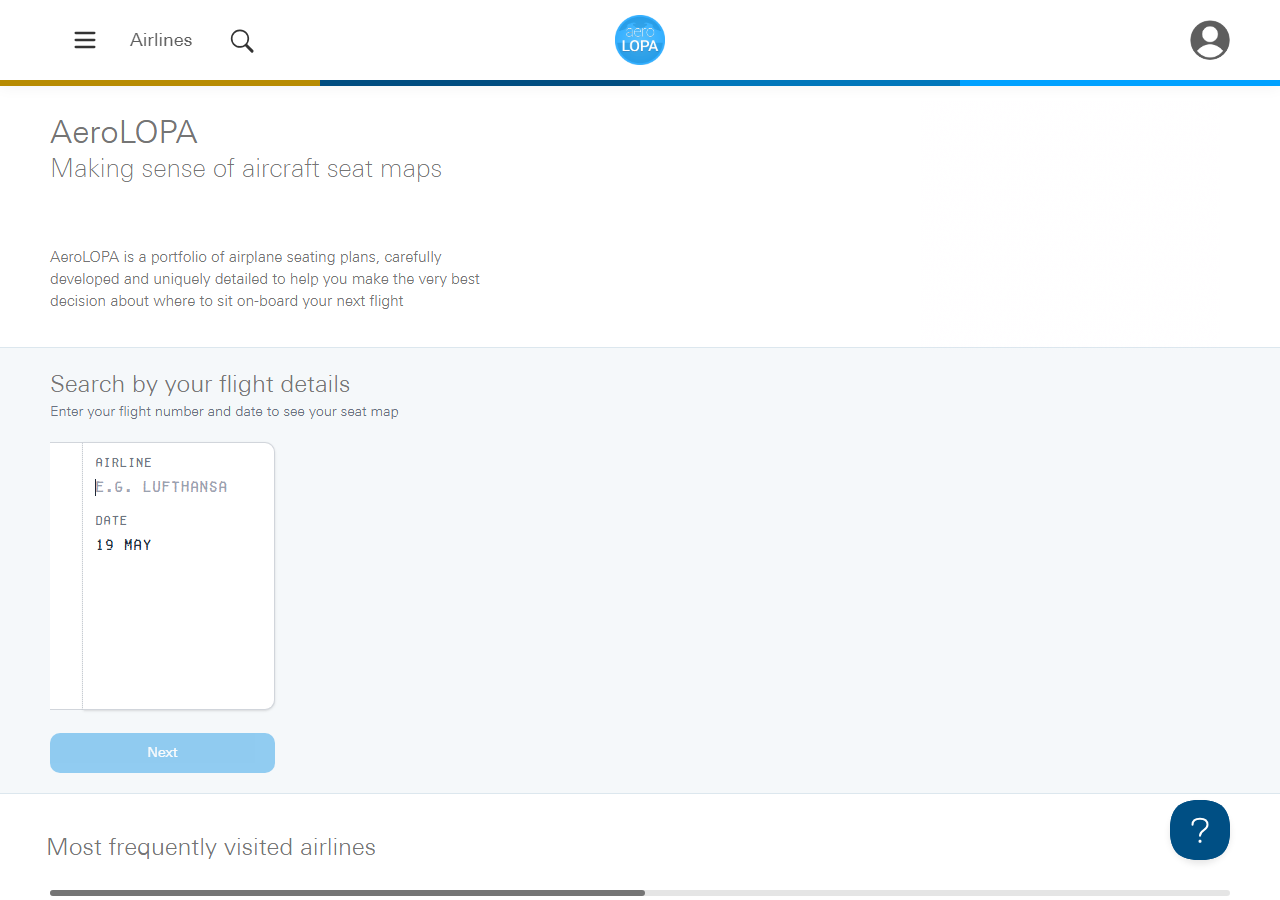
AeroLOPA gathers what it can find on a cabin and recreates the LOPA (Layout of Passenger Accommodations) as a scale drawing, in its own words distilling the information rather than republishing an airline's internal document. The result is unmatched accuracy on window alignment, exit row geometry, bassinet positions, and crew rest placement. It rates seats as well, on a Good, Be Aware or Avoid scale, and a free account gets alerts when a map changes. Their ExpertFlyer partnership (March 2026) brought those diagrams into ExpertFlyer's platform as native seat maps with pitch, recline, and attribute tags.
Coverage: Major US, European, Middle Eastern, and Asia-Pacific carriers
Strengths
- Cabin layouts redrawn to scale, not stylised grids
- Exit rows, bassinets and crew rest shown in position
- Seats rated Good, Be Aware or Avoid; flight-number lookup finds your map
- Powers seat data inside ExpertFlyer's tool
Limitations
- No live seat availability, so it won't tell you how full your flight is
- Coverage runs to the major carriers, so smaller airlines can be missing
Best for: Closest direct SeatGuru replacement
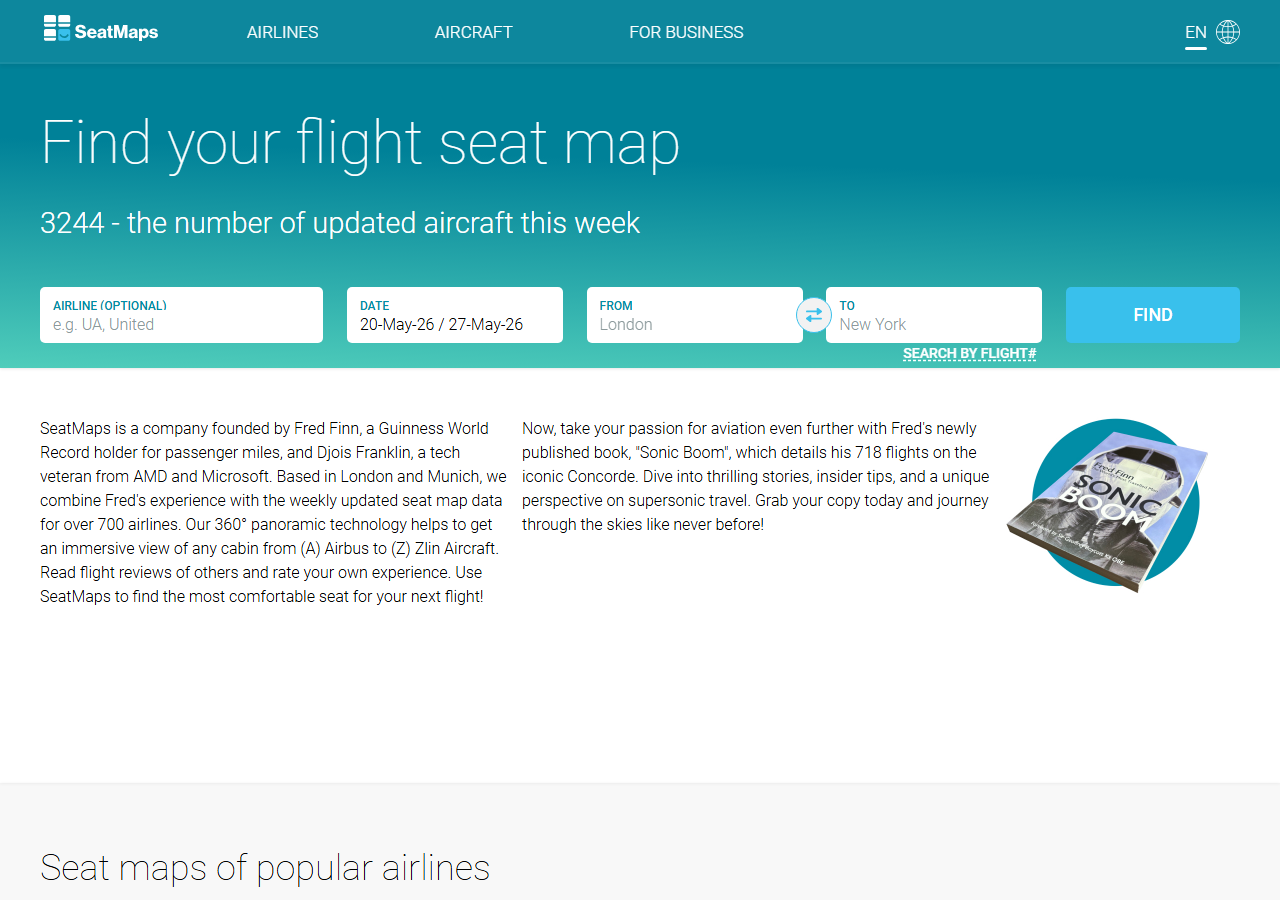
SeatMaps.com is the lookalike replacement — colour-coded layouts, seat dimensions, 360-degree cabin panoramas, and in-flight reviews. London- and Munich-based team updates the catalogue weekly. The breadth is staggering: their own pages quote several airline counts, from 739 to more than 800. Seat-specific data is often generic, and the site lists several versions of some aircraft, so check which one your flight uses.
Coverage: Several hundred airlines (SeatMaps.com's own figures vary, checked September 2026)
Strengths
- Familiar SeatGuru-style colour-coded layout
- Several hundred airlines, with aircraft updated weekly
- 360-degree panoramic cabin photos for some aircraft
Limitations
- Maps may not match your exact flight configuration
- Tips skew generic ("good legroom") rather than seat-specific
3SeatMap.appThat's us
Free
Best for: Seat-level verdicts with visible confidence evidence
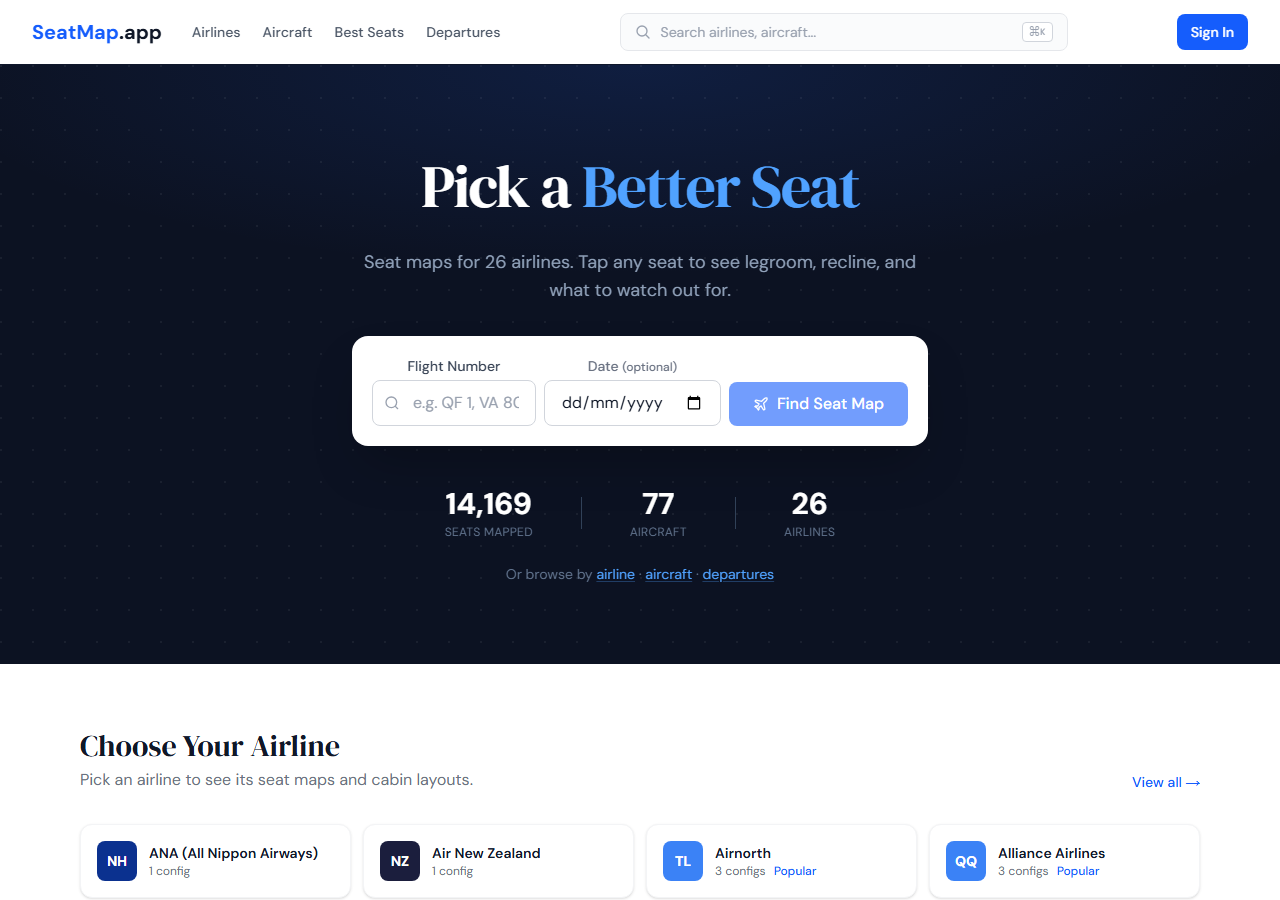
SeatMap publishes seat-level verdicts and confidence labels. Sources and checks vary by configuration. Best Seat mode can filter recorded ratings and attributes such as legroom, quiet zones, fast exit, and window alignment.
Coverage: 204 airlines / 1145 configurations / 238,393 mapped seats
Strengths
- Confidence evidence shown for each published configuration
- Confidence label worked out from the sources on file, not set by hand
- Best Seat mode filters by legroom, quiet, fast exit, window alignment
- Seat-specific tips ("Row 44 has no window, limited recline") not generic filler
- Free to view, no account needed to browse maps
Limitations
- Coverage is narrower than the legacy aggregators (for now): 204 airlines, 1145 configurations and 238,393 mapped seats
- Deepest on Australian and regional carriers; US fleet coverage is still filling out
Best for: Frequent flyers watching for a seat to open up
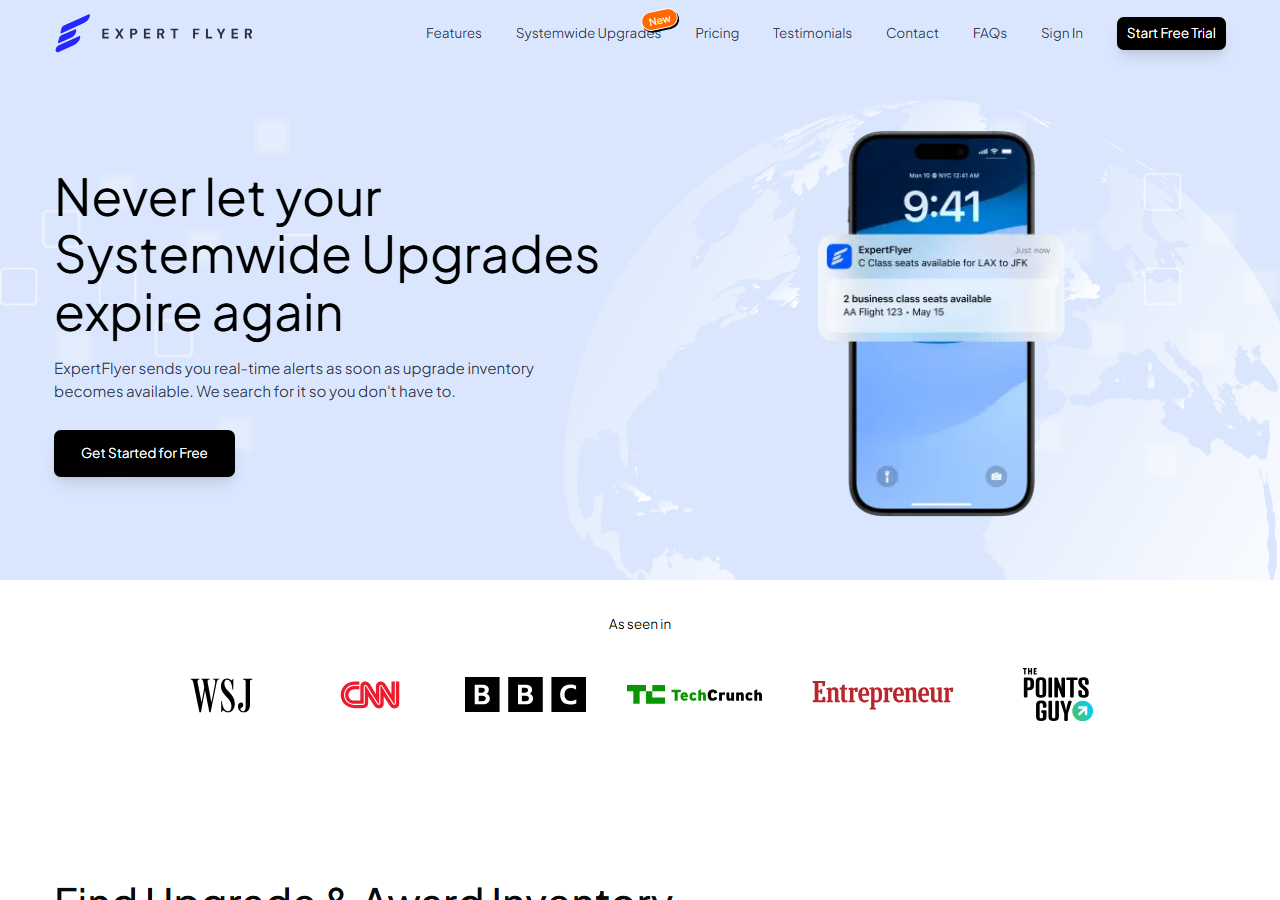
Power-user tool for serious frequent flyers, and not the paywall the roundups describe: a permanent free plan carries seat maps for 400+ airlines and one active seat-availability alert, no card required. Its seat maps now open in a Detailed view, a rendered cabin powered by AeroLOPA, and Elite and Premium members see seat type, pitch, exit position and known limitations for each seat, alongside a systemwide upgrade search for American Airlines on the Elite tier.
Strengths
- Free plan: seat maps for 400+ airlines and one live seat-availability alert
- Seat-availability alerts: monitors target seats and pings you when one opens
- AeroLOPA diagrams native to the platform
- Award availability + upgrade tracking
Limitations
- Paid tiers run $5.99 to $19.99 a month billed annually; the 5-day trial wants a card
- Learning curve — designed for power users
Best for: AI-generated, flight-specific seat recommendations
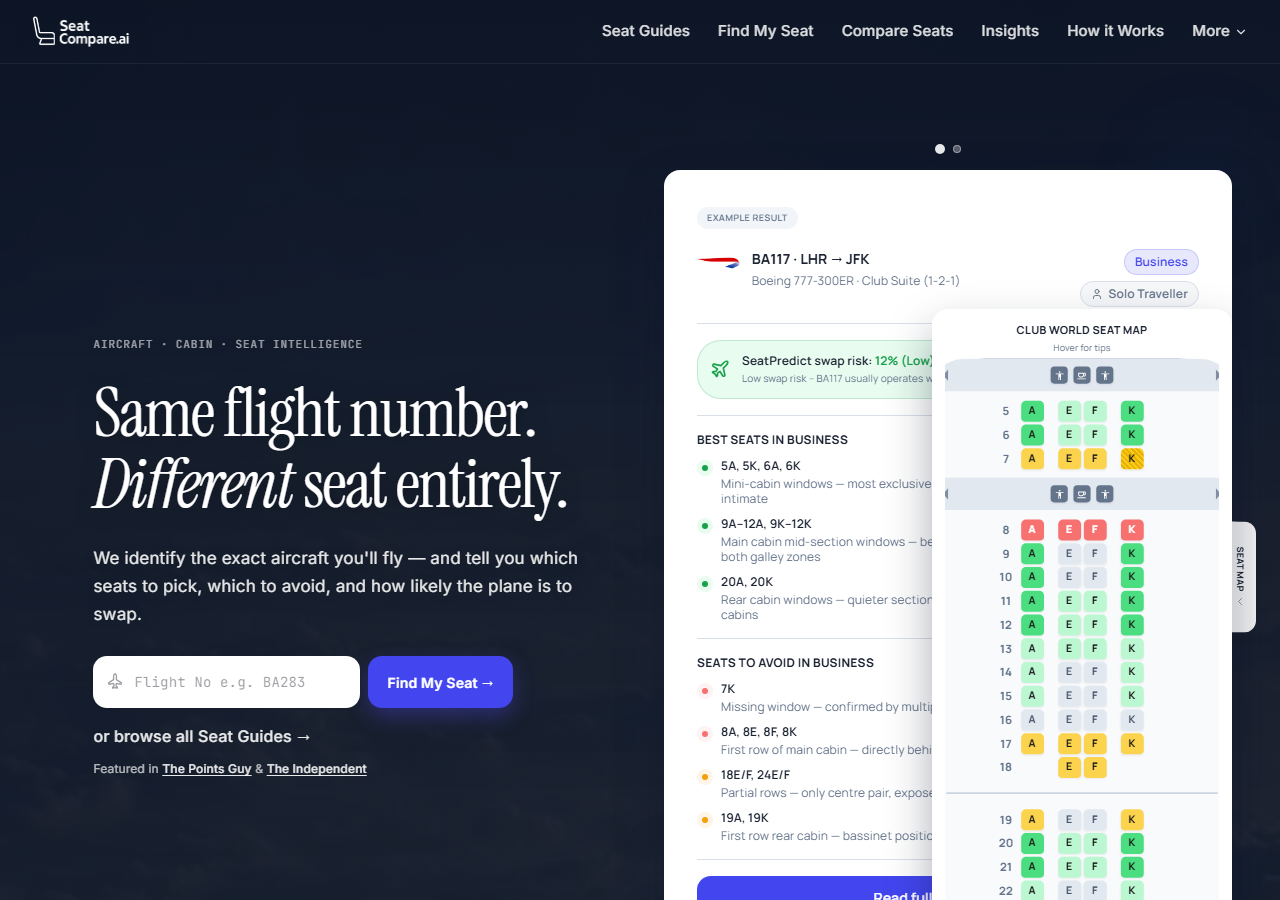
Newer entrant taking an AI angle. Enter a flight number and date, and SeatCompare returns the best and worst seats for that specific aircraft and configuration. Also offers aircraft swap alerts: a notification if your aircraft is changed between booking and departure, which can mean a different cabin. Useful, though an aircraft-change alert now ships with ExpertFlyer Premium, FlightSeatmap's paid plan and SeatMap.app as well.
Coverage: 100+ airlines and 1,000+ cabin layouts, by its own count (seatcompare.ai, checked September 2026)
Strengths
- Flight-specific seat recommendations rather than generic maps
- Aircraft change alerts if your plane is swapped before departure
Limitations
- A newer entrant whose content depth varies by aircraft
- AI-generated recommendations; the site does not describe a human review step
- No live seat availability
Best for: Live seat tracking without a rolling subscription
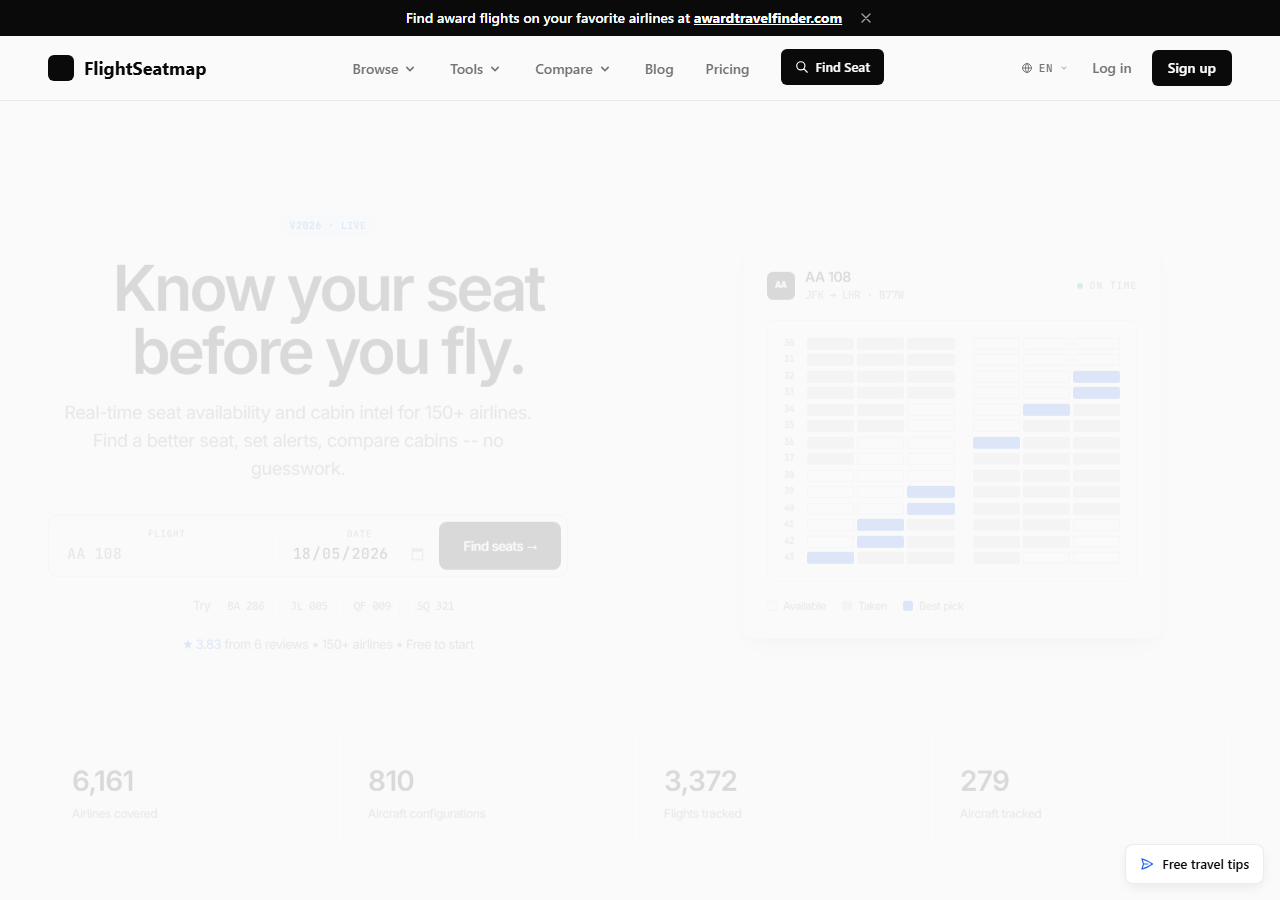
Static maps are free. Live seat tracking comes either as a Trip Pass, $4.99 as one payment for a single flight and valid until departure, or Frequent Flyer at $8.99 a month or $79 a year. Checks run more often as departure approaches, in FlightSeatmap's words, rather than at a flat interval. It also links out to sister sites for airport wait-time estimates and award availability search. Its homepage puts the catalogue at 105 airlines and 812 cabin layouts, by its own count.
Coverage: 105 airlines and 812 cabin layouts, by its own count (flightseatmap.com, checked September 2026)
Strengths
- Static maps are free, with the paid tiers reserved for live data
- Live seat tracking and email alerts on the paid tiers
- Trip Pass covers one flight without a rolling subscription
- Sister sites cover airport wait times and award availability
Limitations
- Beyond one free live preview and one alert, live data sits behind the paid tiers
- Free static maps can be generic
7AwardFares Seat Map Tool
Best for: Live seat availability for a specific flight
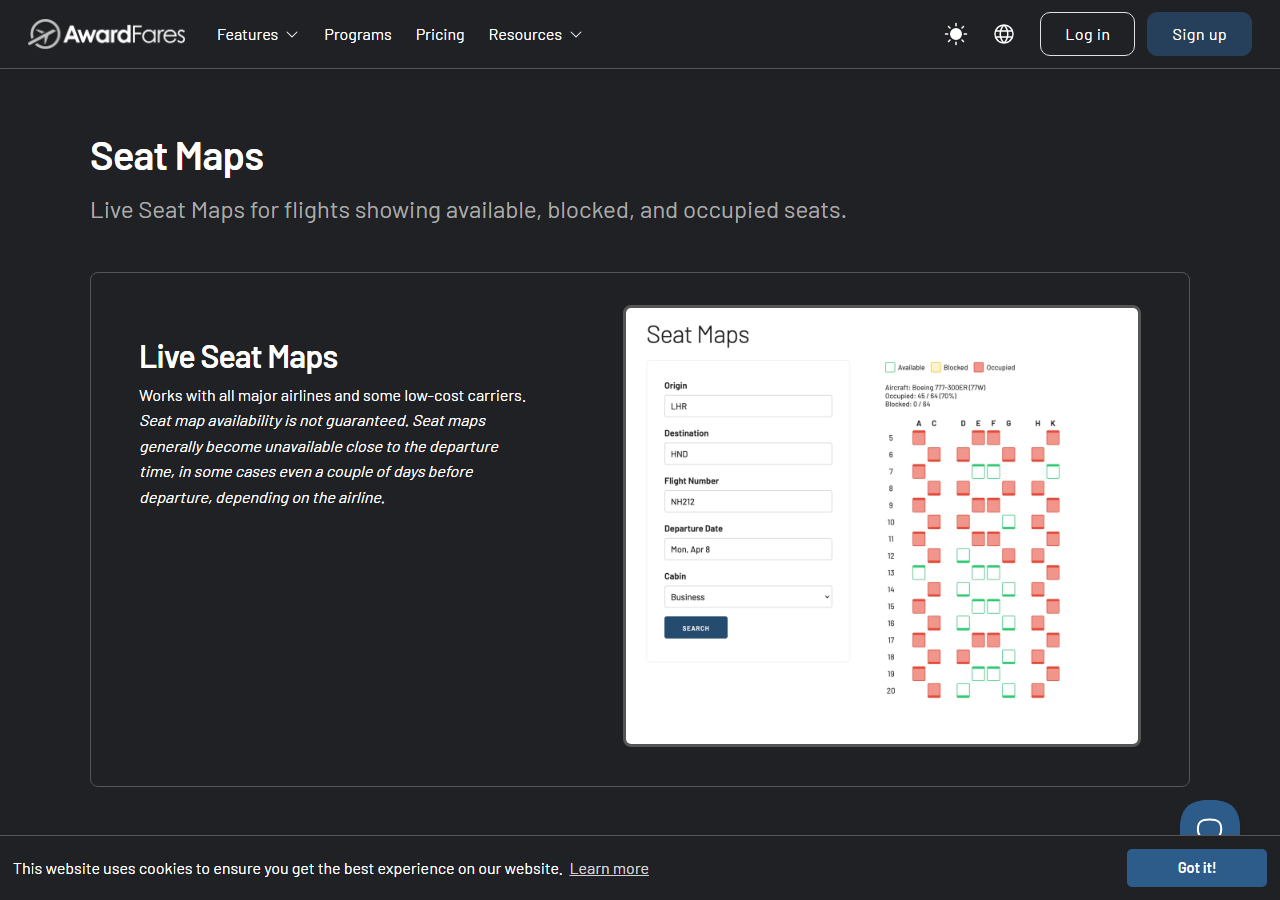
AwardFares' free live seat map shows real-time occupancy for most major carriers — enter origin, destination, date, cabin and flight number to see which seats are currently taken (red), available (green), or blocked (yellow). Best first stop when you want to know how full your flight actually is, before drilling into per-seat detail.
Strengths
- Real-time seat availability rather than static layouts
- No need to know your specific aircraft variant
- Completely free, no account required
Limitations
- Doesn't tell you which seats are good — only which are open
- Pair with AeroLOPA or SeatMap.app for the why
Best for: Crowdsourced seat ratings from travellers
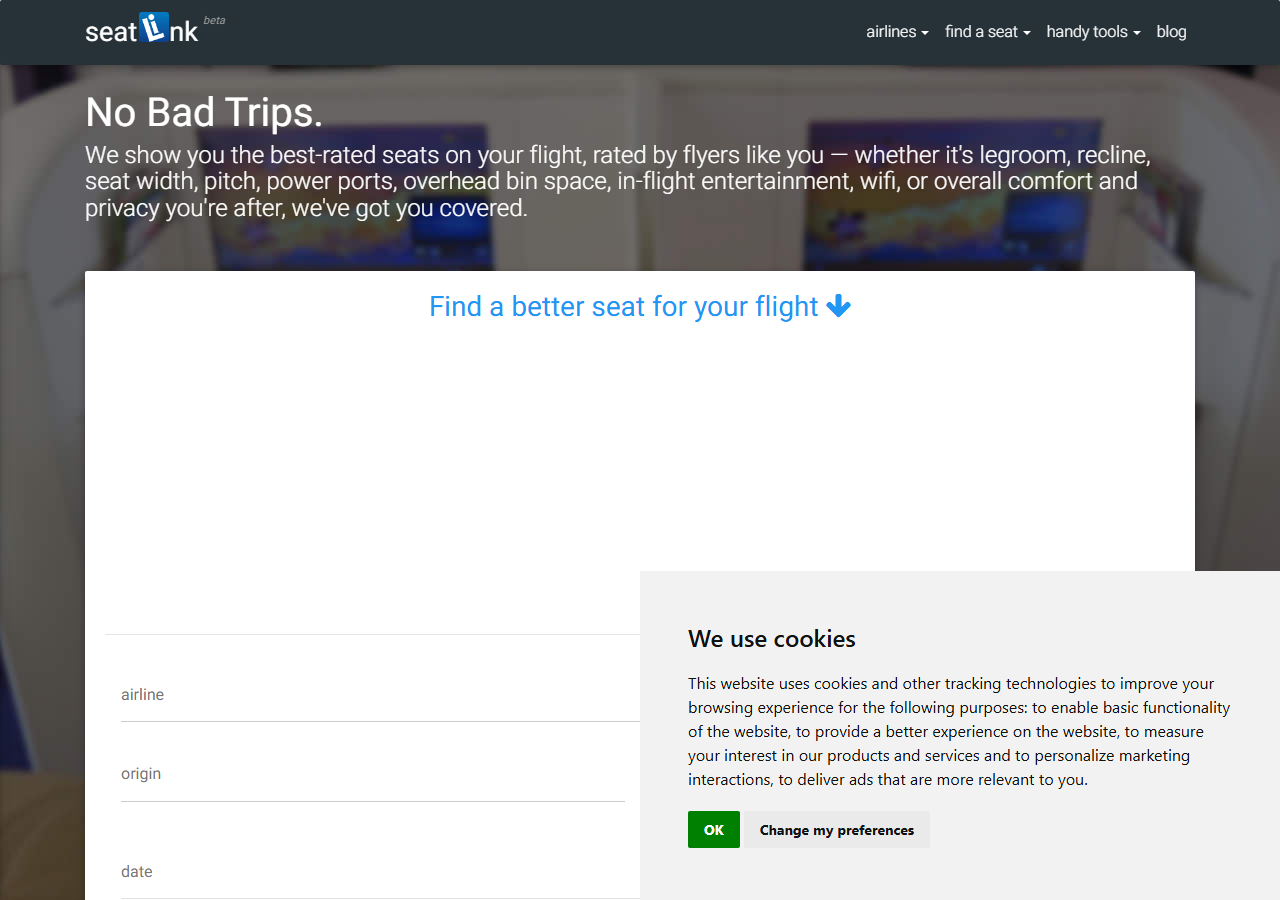
Review-driven platform where flyers rate specific seats on legroom, recline, width, power, bin space, entertainment, wifi, comfort and privacy. The crowd-sourced angle is its strength — a rating from someone who sat there tells you what no diagram can. Quality depends entirely on who has flown what; many seats have no data, but where coverage exists it's gold.
Strengths
- Seat-level ratings from travellers
- User ratings cover legroom, recline, width, power, bin space, entertainment and wifi
Limitations
- Coverage is patchy — depends on user submissions
- No live availability, no flight-specific advice
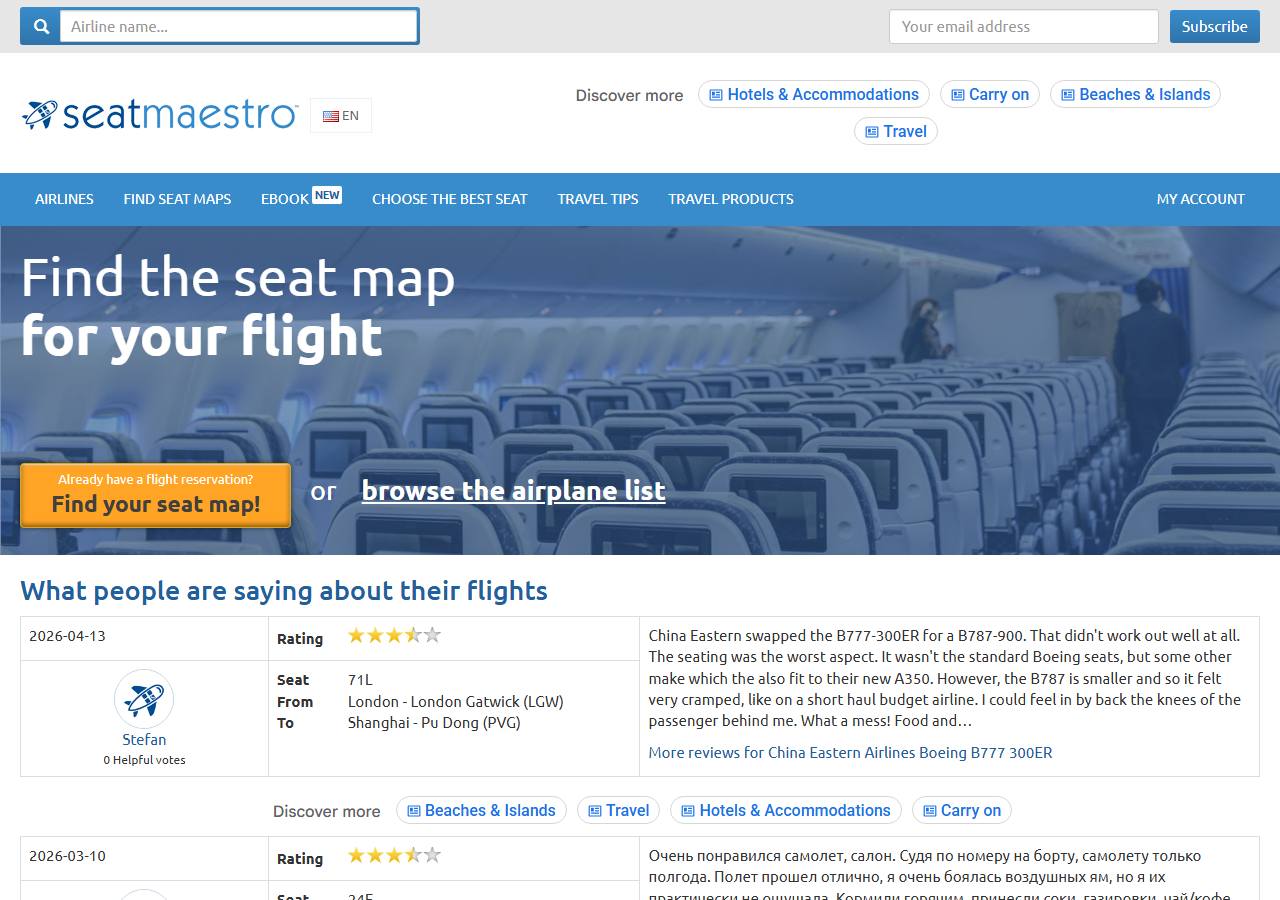
Best for: Older aircraft and backup reference
Long-standing site that, like SeatGuru, leans on user reviews and photos. Suffers from outdated information on newer cabins but its deep archive sometimes holds details on older aircraft layouts other modern tools have dropped. Useful as a backup reference, not a primary source.
Strengths
- Deep archive of older aircraft configurations
- User-submitted seat experiences
Limitations
- Often out of date for new cabins and refits
- No verification or sourcing
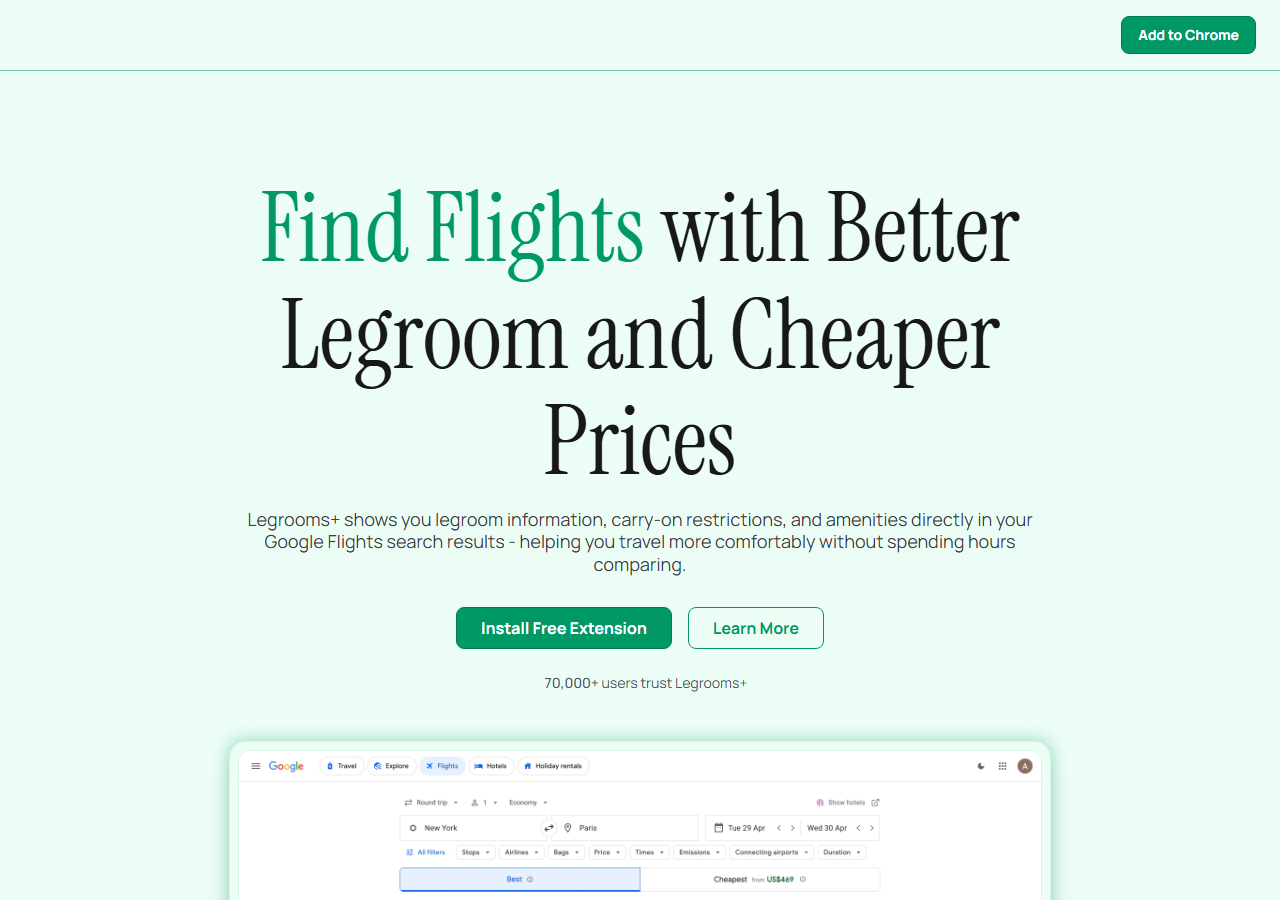
Best for: Comparing legroom across flights while booking
Free Chrome extension that overlays seat pitch, amenity, and carry-on data directly onto Google Flights search results. Not a standalone seat map — it answers a different question: when you're choosing between two flights on the same route, which one has the better cabin?
Strengths
- Seat pitch shown inline on Google Flights
- Compare before booking, not after
- Zero friction once installed
Limitations
- Desktop Chrome only — no Safari, Firefox, or mobile
- Shows cabin-level data, not individual seats